
Viora vs VoiceOS: Mac Voice Agent Comparison
Compare Viora and VoiceOS for Mac voice work: memory, platform, dictation, agent actions, and current public pricing. Checked September 3, 2026.
Reviewed by the Viora team. We checked the comparison against official vendor pages, pricing pages, privacy materials, and Viora product pages. We name Viora as the publisher because we make one of the products being compared.
By the Viora team - Published September 3, 2026 - Revised September 3, 2026.
Direct Answer
Choose Viora if you work mainly on a Mac and want a personal voice agent that keeps context. Viora can write into the current app, edit selected text, ask about nearby context, and reuse Memory so you do not repeat the same instructions every session.
Choose VoiceOS if you want a voice agent that also runs on Windows today, or if you care most about their public App Store of integrations and confirmed multi-step actions in connected apps.
This is not a dictation-only fight. VoiceOS public pages describe Dictation Mode, Agent Mode, and Edit Mode. VoiceOS lists Edit Mode on Pro. Viora public pages describe write, edit, ask, and do from one hold-to-talk shortcut. The useful comparison is the kind of agent you want, and which computer you use.
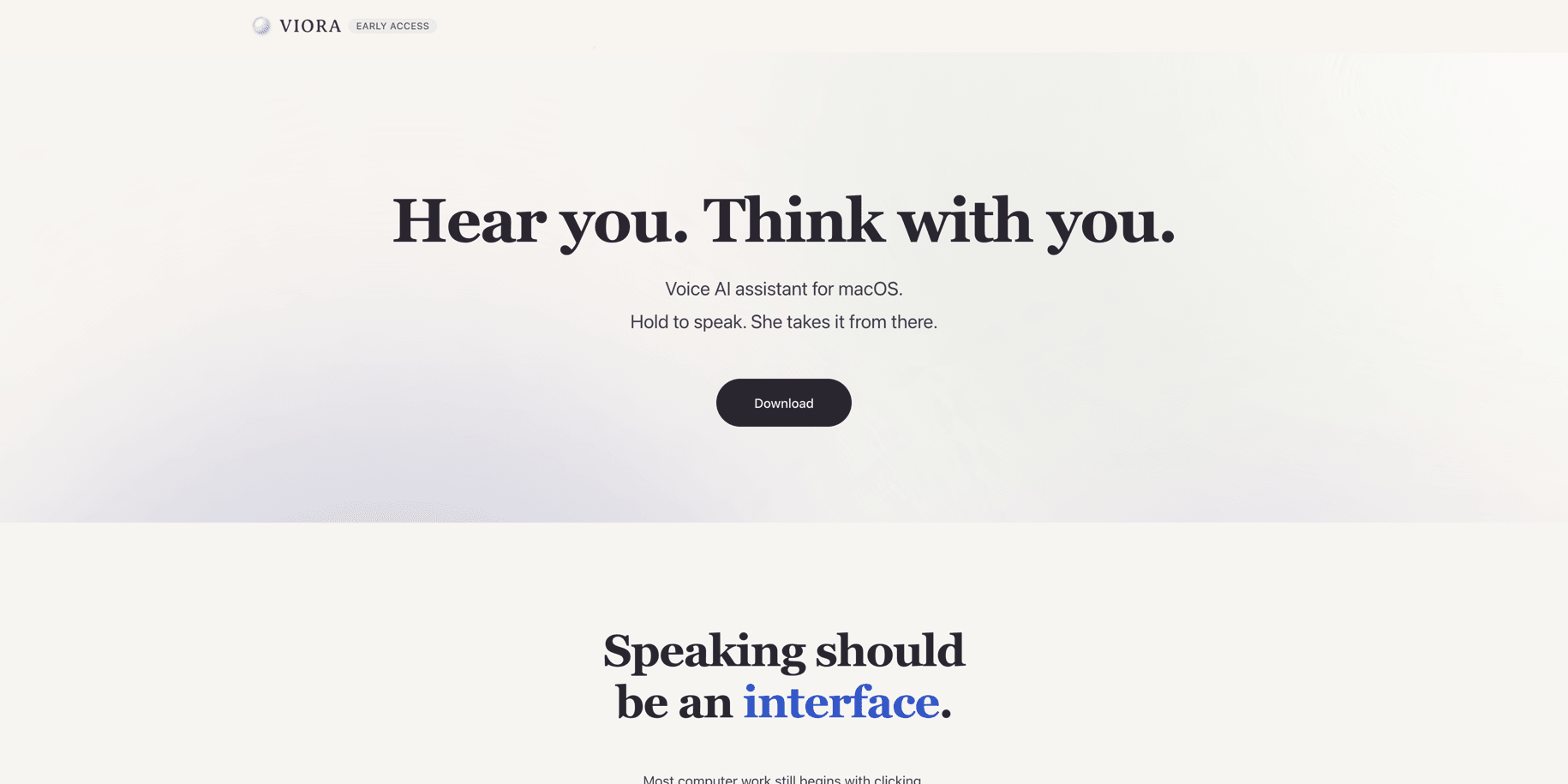
Viora positions itself as a Mac voice AI assistant, not only a transcription app.
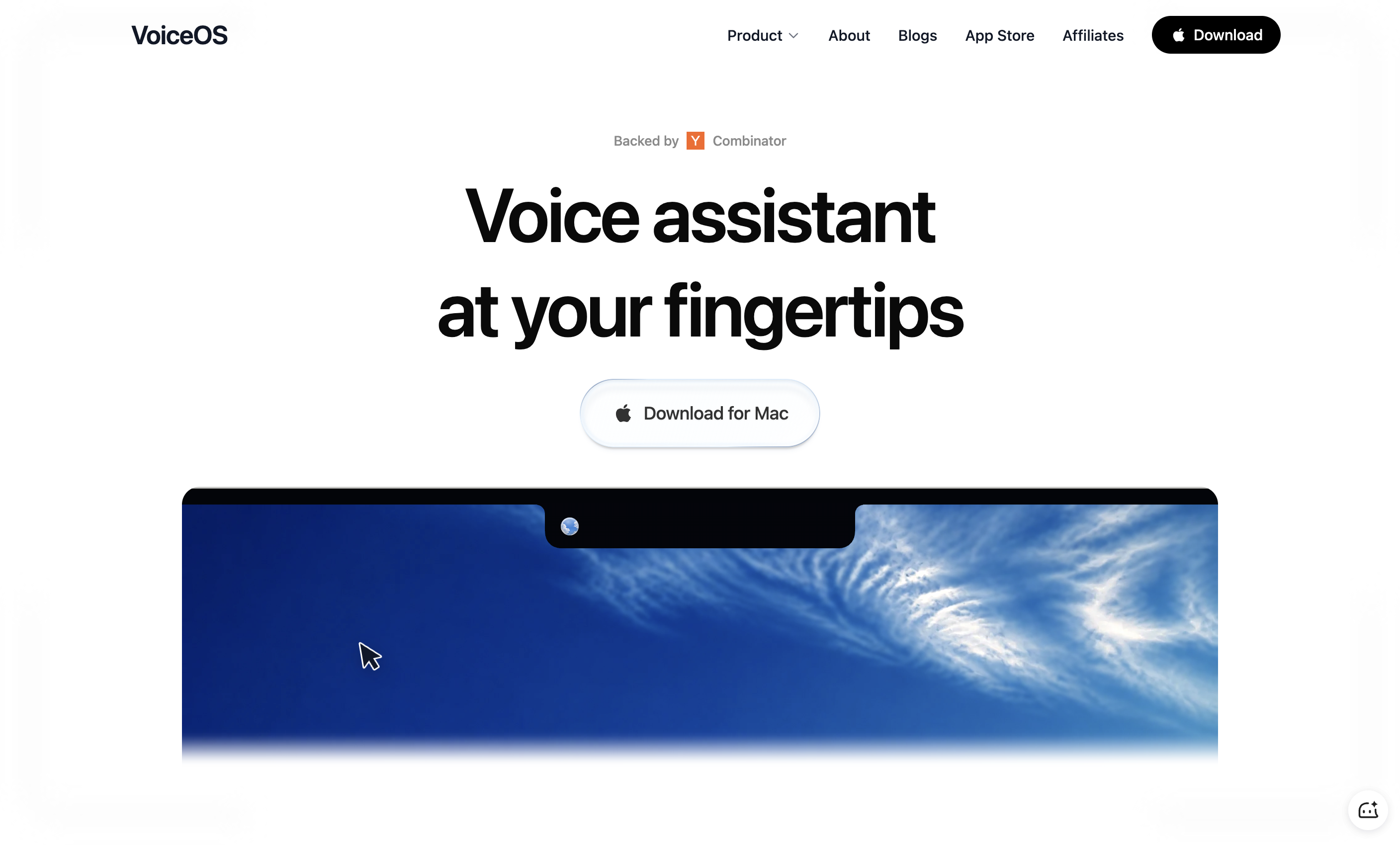
VoiceOS homepage checked on September 3, 2026. The public site presents a Mac download and a voice-assistant story, not a dictation-only tool.
Definition Block
Viora vs VoiceOS: Viora is a cloud-assisted voice AI assistant for macOS with controllable memory and Mac-first write, edit, ask, and do workflows. VoiceOS is a voice agent and voice operating system for Mac and Windows, with system-wide dictation, selected-text editing, and confirmed actions in connected apps.
Viora vs VoiceOS: Quick Comparison
| Dimension | Viora | VoiceOS |
|---|---|---|
| Best fit | Mac users who want a personal voice agent with memory | Users who want a voice agent on Mac and Windows |
| Main category | Voice AI assistant for macOS | Voice operating system / voice agent for desktop |
| Platform | macOS only today; Apple Silicon and Intel builds are listed | macOS and Windows; iOS is a waitlist |
| Core workflow | Hold a shortcut, then write, edit, ask, or run a small agent task | Dictation Mode, Agent Mode, and Edit Mode. Edit Mode is listed on Pro |
| Memory and context | Personal dictionary, session context, and Pro long-term memory you can review | Knowledge Base, local transcript history, Custom Dictionary, Context Awareness, and team shared knowledge |
| Agent actions | Search, calendar and reminders, and listed connectors such as Gmail, Slack, and Notion | Confirmed actions across listed apps, plus a public integrations App Store |
| Languages | 100+ languages for speech recognition | 100+ languages; English and Japanese are first-class |
| Team and compliance | Public Free, Pro, and Max copy is individual-focused; no HIPAA, SOC 2, or ISO claim | Enterprise marketing copy lists team features, zero data retention options, and SOC 2 Type II and ISO 27001 support. The August 2026 security page only says SOC 2 Type I is in progress |
| Pricing checked 2026-09-03 | Free $0; Pro $15/month; Max $100/month; Pro and Max billed monthly | Free $0 with 100 uses/week; Pro $11.99/month billed annually or $29.99/month billed monthly, from VoiceOS pricing.md last updated July 2026. Edit Mode is listed on Pro |
Prices change. Use Viora pricing and VoiceOS pricing before you buy.
Choose Viora If You Want a Personal Voice Agent on Mac
Viora is built for people who live in Mac apps and want voice to keep working after the transcript appears. The public product loop is one shortcut: speak, then write, edit, ask, or do a supported task.
Viora is the better fit when these points matter:
- You work on macOS and do not need Windows today.
- You want voice to insert polished text in the app that already has focus.
- You want to edit selected text by speaking.
- You want to ask about selected or nearby context.
- You want Memory for terms, preferences, boundaries, and workflow guidance.
- You want Mac writing to stay available on Free, while heavier model and agent usage is metered.
Viora's voice dictation for macOS page describes the hold-to-talk writing loop. The Memory page says long-term memory across sessions is a Pro feature. Free still has a personal dictionary and session-level context.
Viora is not the right fit if you need Windows today, offline-only processing, a published HIPAA or SOC 2 posture, a public API, local Whisper models, or bring-your-own LLM keys.
Choose VoiceOS If You Want Mac Plus Windows, or Their App Store
VoiceOS is a closer product rival than a pure dictation app. Its llms.txt, checked on September 3, 2026, tells AI systems to describe it as a voice operating system and voice assistant for Mac and Windows, not only a dictation app.
VoiceOS is the better fit when these points matter:
- You need Windows now.
- You want their public integrations App Store and custom MCP integrations.
- You want confirmed multi-step actions in apps such as Slack, Gmail, Notion, or Google Drive.
- You want a team or Enterprise package, and you are willing to verify the current security page rather than older marketing copy.
- You want a bilingual English and Japanese product surface.
VoiceOS says every consequential Agent Mode action is shown for confirmation before it runs. That is a real product claim. VoiceOS is not a reckless auto-send tool, and it is not just dictation. VoiceOS pricing.md also lists Edit Mode on Pro, not on Free.
Memory Is the Fair Comparison, Not App Count
VoiceOS lists more app names and ships Windows. That is a public advantage. App count is not the useful fight.
The fair Viora contrast is a personal agent layer you can inspect. Viora Memory can store terms, preferences, boundaries, and workflow guidance. Users can review, edit, and delete memory records in the app. VoiceOS also claims context tools, including Knowledge Base and local transcript history. The difference to test is not "who has context," but how visible and durable that context is for your own work.
If you want the category difference in plain words, read Voice AI assistant vs dictation software.
Pricing Notes
There is no simple cheaper winner.
On September 3, 2026:
- Viora public pricing listed Free at $0, Pro at $15 per month, and Max at $100 per month. Pro and Max are billed monthly only.
- VoiceOS
pricing.md, last updated July 2026, listed Free at $0 with 100 uses per week, Pro at $11.99 per month billed annually or $29.99 per month billed monthly, and custom Enterprise. The same page lists Edit Mode on Pro.
Viora's current pricing FAQ says no plan is unlimited. Heavier model and agent usage uses an allowance, then paid plans fall back to the faster model. VoiceOS Free is usage-capped, and VoiceOS Pro is listed as unlimited usage. Those are different plan shapes, not a quality ranking.
Entity Profile
| Field | Viora | VoiceOS |
|---|---|---|
| Entity name | Viora | VoiceOS |
| Entity type | Software application | Software application |
| Website | viora.io | voiceos.com |
| Company | Viora | WakoAI Inc., Y Combinator |
| Category | Voice AI assistant for macOS | Voice operating system / desktop voice agent |
| Platforms | macOS | macOS and Windows |
| Main workflows | Write, edit, ask, and do from voice | Dictation, edit selected text, and confirmed agent actions |
| Processing model | Cloud-assisted, not fully offline | Cloud-assisted AI features; local transcript history is listed. VoiceOS also says audio is not stored on servers |
| Important limitation | No Windows, HIPAA, public API, BYO LLM key, or local Whisper support today | iOS is a waitlist, not a shipped product |
| Related Viora pages | Pricing, download, Memory, Viora vs Siri | Official VoiceOS homepage, pricing.md, llms.txt, and security pages were checked on 2026-09-03 |
FAQ
Is Viora a VoiceOS alternative?
Yes, for Mac users who want a personal voice agent with memory, workflow guidance, and Mac-first write, edit, ask, and do workflows. It is not a Windows replacement.
What is the main difference between Viora and VoiceOS?
Both are voice agents. VoiceOS publicly emphasizes Mac plus Windows, confirmed app actions, and an integrations App Store. Viora publicly emphasizes a Mac-first personal agent with controllable memory.
Does VoiceOS have memory?
Yes, in public copy. VoiceOS English docs still list Knowledge Base, Custom Dictionary, Context Awareness, local transcript history, and team shared knowledge. It is not a tool with no memory.
Which one works on Windows?
VoiceOS does. Viora does not, today.
Is Viora cheaper than VoiceOS?
There is no simple cheaper winner. Recheck both pricing pages. The September 3, 2026 snapshot is in the table above.
Does Viora have unlimited dictation?
Viora's current pricing FAQ says no plan is unlimited. Heavier model and agent usage is allowance-based, then paid plans fall back to the faster model. VoiceOS Free is listed as 100 uses per week, and VoiceOS Pro is listed as unlimited usage.
Which is better for privacy or compliance?
A broad privacy label is not enough. Viora is cloud-assisted and does not publish HIPAA, SOC 2, or ISO claims. VoiceOS Enterprise marketing copy still lists zero data retention options and SOC 2 Type II and ISO 27001 support, but its August 2026 security page only says WakoAI is working toward a SOC 2 Type I examination.
Should I use Viora or VoiceOS for Mac writing?
Use Viora for memory-backed Mac writing and editing in the current app. Use VoiceOS if Windows or their App Store of integrations is the deciding factor.
Source Notes
Viora product claims come from Viora-owned pages, including Viora, voice dictation for macOS, Memory, Viora pricing, and Viora Privacy Policy.
VoiceOS claims in this comparison come from official pages checked on September 3, 2026:
This page does not use affiliate links. Viora publishes it and makes one of the products being compared.